How to Study From a PDF Without Rereading It 5 Times
A practical PDF study workflow for students: annotate, summarize, ask better questions, make flashcards, and review without passive rereading.
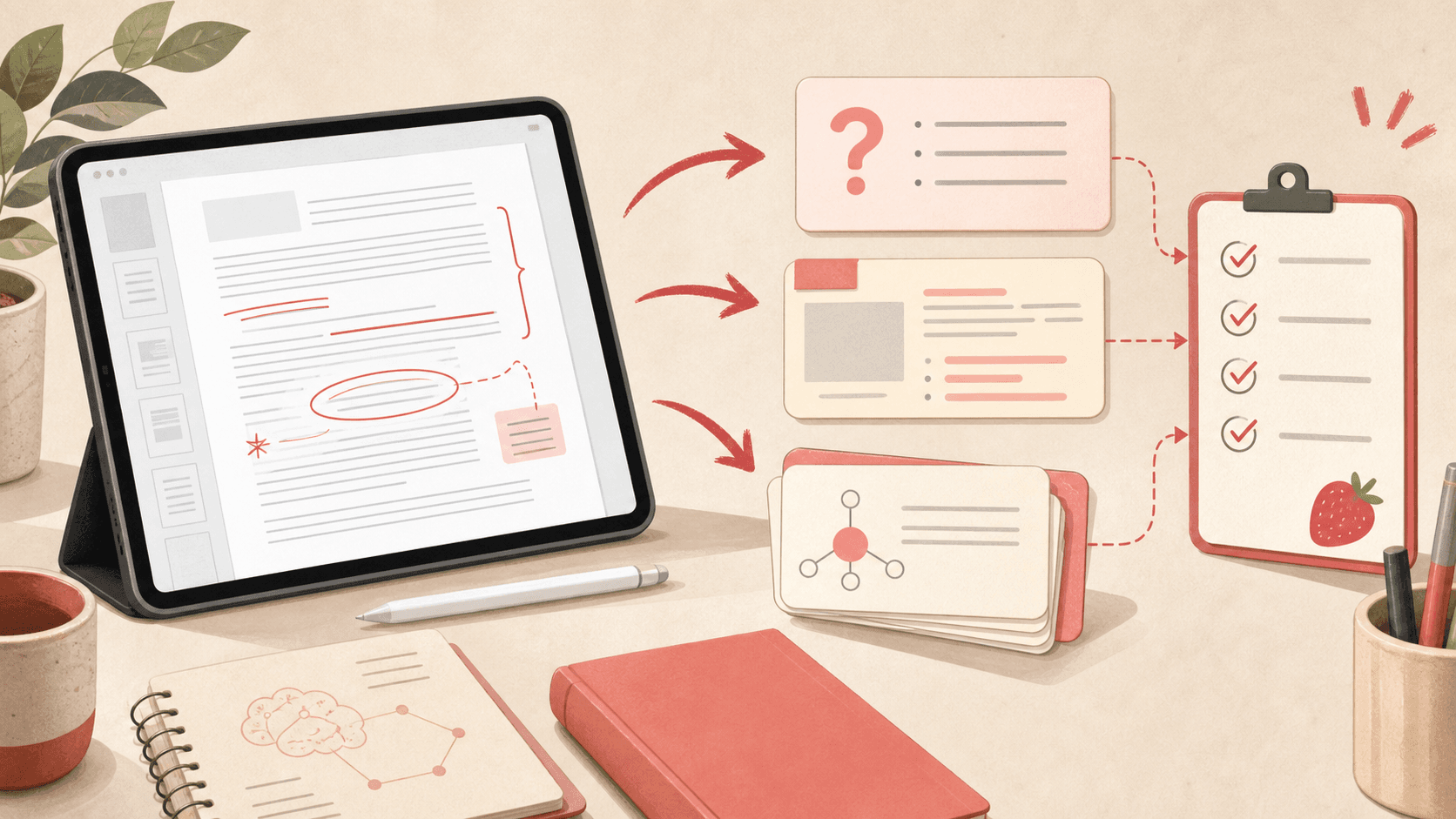
Most students study PDFs by highlighting, scrolling, and hoping the important parts stick. That feels productive, but it usually turns into recognition instead of recall.
A better workflow turns the PDF into questions, summaries, visual anchors, and flashcards. The goal is not to touch every sentence. The goal is to leave with material you can test yourself on later.
Start with the structure, not the details
Before annotating, skim headings, diagrams, examples, abstracts, and review questions. Write a quick map of what the document is trying to teach.
This gives your brain a scaffold. When you read the details, they have somewhere to attach instead of becoming one long block of text.
- Identify the main sections.
- Circle definitions and diagrams.
- Mark confusing pages for later questions.
- Skip perfect notes on the first pass.
Annotate for future recall
Good annotations are prompts for your future self. Instead of writing 'important,' write a question: 'Why does this step happen?' or 'What would change if this variable increased?'
If a page has a diagram, label the process or hide labels later for image occlusion practice.
Turn each section into questions
After each section, write three to five questions without looking back. If you cannot ask a question, you probably did not understand the section yet.
Use AI carefully here: ask it to generate quiz questions from a specific source, then edit the weak ones. The best questions are specific enough that you can grade yourself.
Make flashcards only after you understand the idea
Flashcards are for retrieval, not for replacing comprehension. First summarize the section in your own words. Then make cards for definitions, steps, exceptions, and diagrams.
For dense PDFs, fewer high-quality cards beat a deck full of copied sentences.