How to Turn a YouTube Lecture Into Notes, Flashcards, and a Quiz
Use a YouTube lecture as a study source by extracting the key ideas, making active recall questions, and building review material.
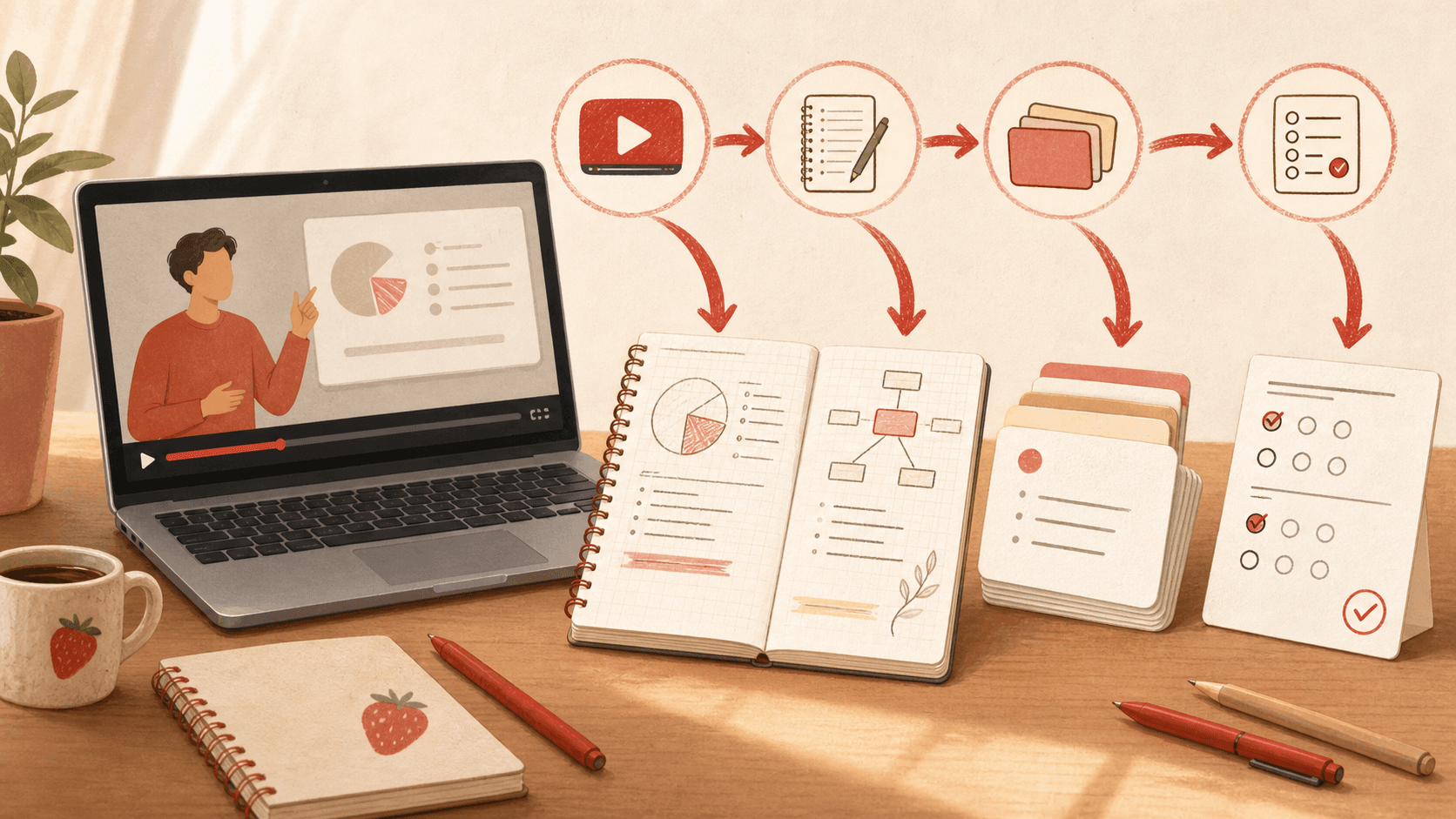
A YouTube lecture is easy to watch and easy to forget. To make it useful for exam prep, you need to turn it into something you can retrieve from memory.
The best workflow is simple: capture the source, summarize the structure, ask timestamped questions, and convert the important parts into flashcards or quizzes.
Watch once for the big picture
Do not pause every thirty seconds to write everything down. First, watch enough to understand the lecture's structure: the problem, the main ideas, and the examples.
Write a short outline with timestamps for the sections that matter most.
Use the transcript as a source, not as final notes
A transcript is raw material. It is usually too long, repetitive, and uneven to study directly.
Ask for a concise outline, then compare it to the video. Keep the claims grounded in the lecture instead of turning the session into generic AI notes.
Generate quiz questions while the lecture is fresh
Right after watching, generate or write questions from each major section. Mix factual questions with explanation questions.
A good quiz should expose weak understanding. If every question feels obvious, make the questions more specific or add application prompts.
- What problem is being solved?
- Why does this step work?
- What example proves the idea?
- What mistake would a beginner make?
Create flashcards from misses, not everything
After the quiz, turn only the missed or slow questions into flashcards. This keeps the deck small and targeted.
For visual lectures, add screenshots or diagrams and use image occlusion when labels or parts need memorization.